07.08.2026
Accept Crypto Payments in Telegram: Stars vs Payment Links
Read article

Before you compare a single gateway, answer two questions about yourself. What does your site run on? And how many crypto payments a month do you honestly expect?
If the answer to the second one is "fewer than ten", stop. You don't need an integration. Make an invoice in a console, send the customer the link, get paid. Integrating costs a day of somebody's attention and leaves a permanent moving part in your checkout, and ten payments a month will never repay that.
Above ten, your platform decides the route. On Shopify or Stripe the switch may already be sitting in your payment settings. On WordPress it's a plugin. On Wix, Squarespace or a custom site, it's a widget. Then the price: budget 0.4–2% to the processor, and underneath it a network fee your buyer pays that stopped being small change two years ago. A USDT transfer on TRON costs about $2. Nearly every guide on this subject still says pennies.
None of this works like a card payment. What happens after the buyer clicks pay:

There is no bank in the middle. Once the transfer confirms, it stands — the buyer, their exchange and you are all equally stuck with it. Hence no chargebacks, no disputes, no undo button.
The headline rate is the part everyone publishes and the smallest part of the bill. Here is the whole bill.

Work it through on a real shape of business: 200 orders a month at a $20 average, so $4,000 in turnover, on a mid-market 1% rate. The rate costs $40. The $0.25 add-on costs $50, more than the rate itself. Weekly payouts with conversion take 1.5% of the $4,000, another $60, plus four small flat charges. You land at roughly $152 on $4,000, or 3.8%. That is card territory.
Now run your own, because one example can't tell you where you sit. Your all-in rate is the percentage plus the fixed fee divided by your average order. At a $20 average, $0.25 adds 1.25 points to whatever rate you were quoted. At a $180 average it adds 0.14 and effectively vanishes.
The deciding variable is your average order value, not the brand on the checkout. And whatever a pricing page says, get the full quote in an email before you build anything.
One case breaks all of this arithmetic. If your card processor refuses the payment outright, price the order that never happens: it costs you the whole order. Compare crypto against cards while cards still work for you. When cards are the reason the money stops arriving, the comparison only has one side.
The processor's fee comes out of your money. The network fee comes out of your customer's, and it is the number the whole market is repeating two years out of date.
On 10 August 2026, a USDT transfer on TRON costs about $2, and about $4 if the receiving address has never held USDT. TRON is the network still described everywhere as "a few cents". It isn't. A brand-new address costs roughly double: the network charges for the storage the new balance record takes up.
The same transfer elsewhere: Ethereum, the network everyone calls expensive, runs about $1.22 under moderate load, under $0.40 when things are quiet, and $5–15 when the market is busy. BNB Chain does it for a few cents, an order of magnitude below either.
On a $20 order, a $2 fee is 10% of the basket. Your customer sees it, feels it, and blames you. Which networks you switch on is a pricing decision, not a technical one, so read how network fees work and choosing a USDT network before ticking boxes in a dashboard.
Shopify Payments takes USDC natively, with no third-party gateway: Base, Ethereum L1, Optimism, Polygon and Arbitrum, around 480 supported wallets, and no currency conversion or network fee charged to your buyer. Per Shopify's own USDC page it's live in the US (not Alaska, New York or Texas), Mexico, 27 European countries and Hong Kong. Two stops: one coin only, and subscription products cannot be paid with it. Shopify publishes no merchant percentage for it, so ask for yours.
Stripe takes stablecoins only, at 1.5%, settled to you in fiat: USDC, plus USDP and USDG for US sellers. Bitcoin and Ether are excluded, which surprises people. Buyers are capped at $10,000 per transaction and there are no disputes or chargebacks, per Stripe's stablecoin documentation. Subscriptions do work here. Open to US sellers; the EU, Hong Kong, Mexico and Switzerland by application.
PayPal's Pay with Crypto accepts 100-plus currencies, Bitcoin and Ethereum among them, and converts them to USD — its merchant fee page puts the rate at 1.5% since 1 August 2026, and the 0.99% still quoted around the web expired on 31 July. PayPal's developer docs limit it to US merchants outside New York, with no recurring payments.
Take this path if your platform supports it where you sell and the payment is one-off: nothing to install, nothing to maintain. If your country is missing from those lists, or you sell subscriptions on Shopify or PayPal, go to path 3 or 4 — a widget or a payment link works anywhere your site does.
An extension does the work and installs like any other plugin. Cost is your gateway's rate; plugins are usually free.
Check one thing before you click install: the WordPress version the plugin claims compatibility with, against the version you actually run. Some crypto payment plugins are still declaring compatibility one to three major releases behind. A plugin last touched two WordPress releases ago isn't a shortcut, it's a liability sitting on your checkout.
Take this path if the extension for your chosen gateway has a recent update and reviews from this year. If it looks stale, path 3 is less work than it sounds.
A widget is a script tag plus a button: the checkout opens in a window and the gateway runs the payment screen. An API means you build that screen yourself. On builders like Wix and Squarespace the widget goes into an embed or custom-code block. Cost is the gateway's 0.4–2% plus an hour or two of somebody's time.
This step needs a person who writes code, whatever the landing pages promise: someone has to paste a script into a template and handle a payment notification on your server. An hour for a person who has done it before; a bad afternoon for someone who hasn't. Widget, plugin or API breaks the choice down properly.
Take this path if you have any developer access at all: the widget covers most ordinary stores, the API is for marketplaces and anything where payment is part of your product logic. If you have no developer access, path 4 needs none.
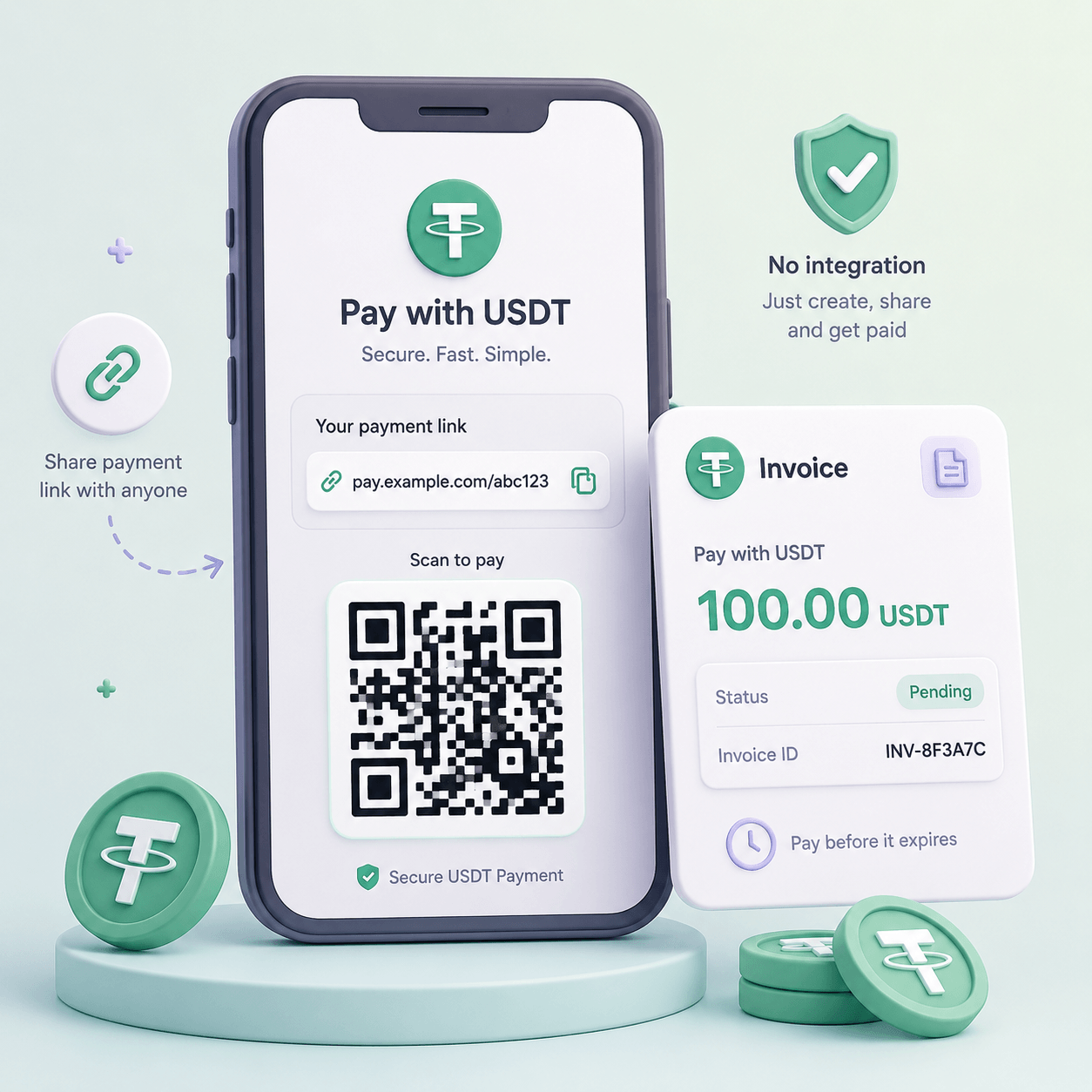
You make an invoice in a console, you get a link, you send it in a messenger or an email. The customer pays, you get a notification. Cost is your gateway's ordinary rate with no setup on top: CryptumPay, for instance, charges 1% per successful payment, from 0.5% at volume, and the fee can be passed to the customer.
Take this path if you're under roughly ten payments a month, or if you invoice clients — agencies, consultants, B2B suppliers. Payment links and QR invoices covers the flow end to end.
These follow CryptumPay's setup.
There are no ready-made Shopify or WooCommerce modules in the documentation, so on those platforms this is the widget route or a payment link.
Two of the three built-in routes take stablecoins only — dollar-pegged tokens that hold their value against the dollar. Shopify's is USDC; Stripe's are USDC, USDP and USDG. USDT is absent from both lists, so customers paying in USDT need a processor and a decision about which coins to accept. PayPal is the exception: it takes about a hundred currencies, Bitcoin and Ethereum among them, and converts them for you. Everywhere else, taking Bitcoin means a crypto payment processor.
Convert the moment the money is credited. If a payment lands in a volatile coin and stays there, you haven't taken a payment — you've opened a position, in an asset you didn't choose, sized by whatever your customer happened to spend. Protecting against volatility has the mechanics. CryptumPay converts incoming funds to USDT the moment they're credited, and withdrawal to your own wallet is available at any time with no minimum; minimum thresholds are how balances get stuck.

Statuses. A crypto payment has stages, and the useful ones happen after the buyer clicks "pay". Names differ, but the shape is the same: an order is created and an address issued, the transfer is spotted on the network, confirmations reach the threshold and funds are credited — the point where a processor's AML checks on incoming funds can hold a suspicious transfer — and the payment finishes. Close your order on that last stage. Close it on the click and you'll ship goods against nothing at all. Webhooks and payment status covers receiving these reliably.
Underpayment. Your customer will send $99 when the invoice says $100: he typed 100 into his exchange's withdrawal form and the exchange took its fee out of that. Ask what your service does with the shortfall before you sign. Some credit the payment and settle the difference automatically; others park the order and leave you to sort it out. At twenty orders a day, sorting it out by hand is somebody's job, and why crypto payments fail covers the other ways a checkout loses money.
Refunds. There are no chargebacks in crypto, and that cuts both ways. Nobody reverses a payment out of your account six weeks later on a fraud claim. But when a customer is genuinely unhappy, you refund by sending a transfer back by hand, at the current exchange rate, paying the network fee yourself. On Stripe, refunds always go back as stablecoin to the customer's original wallet, so a refund onto a bank card is beyond what you can promise. Write your policy before the first refund arrives: refunds on crypto payments works through the rate and timing questions that decide who absorbs the difference.
In the US and the EU, no regulator issues a shop permission to accept crypto. The licensing regimes are written for businesses that handle crypto professionally — exchanges, custodians, gateways — and that's your processor. Here it is by jurisdiction, as of 10 August 2026.
In the EU, the framework you'll hear named is MiCA, the Markets in Crypto-Assets regulation. It governs crypto-asset service providers and stablecoin issuers. It says nothing about a shop taking payment for its own goods, so nobody should quote it at you as either permission or prohibition. What's left is national law: whether you may accept cryptocurrency payments where you trade is answered in your own country, so ask there.
In the US, the live question is money transmission, licensed state by state and registered federally with FinCEN, the Treasury bureau behind the anti-money-laundering rules. Its guidance excludes acceptance that is inseparable from selling your own goods, and it reads that exclusion narrowly. So the moment your business holds or forwards funds for somebody else, get advice before you build.
Everywhere, your accountant answers the tax question: at what value and on what date a crypto payment enters your books. Book that hour early. This is general information, not legal advice.
How to accept cryptocurrency as payment if I don't have a website? Create the invoice in a processor's console and send the link. Plan for the window: the price holds about 15 to 30 minutes, so a link sent at midnight needs reissuing in the morning.
Can I accept bitcoin on website checkout, or is it stablecoins only? Stripe and Shopify's native options are stablecoins only. PayPal takes Bitcoin and converts it for you. Anywhere else, Bitcoin means a crypto payment processor — and plan around the clock, because a confirmation runs ten minutes to an hour and can outlive your invoice window. Lengthen the window for Bitcoin orders, or skip it on fast-fulfilment goods.
How do I get ordinary money into my bank account? It depends on your path. The built-in routes settle the usual way: Stripe pays you in fiat, Shopify in your store's currency. A crypto processor credits a stablecoin balance that you withdraw to your own wallet, so cashing out is a separate step you arrange yourself. Decide which you want before you sign up.
The customer says he paid and nothing has arrived. What do I check? In order: whether he sent on the network your invoice was issued for (a USDT transfer on the wrong chain is a common cause), whether the amount is short, and whether the invoice had expired before he pressed send. All three are recoverable, and all three go faster if you ask for the transaction ID in your first reply.
Create an account and connect the checkout yourself, or talk to sales and we will plan the integration with you.